Five law firm websites, one marketing team and your name on the line
“We’ve got five sites and they all look different.” “Everything needs a developer.” “Something’s going to break and it’ll be my name on it.”
Published on October 9, 2026
Key takeaways: website consolidation for multi-office law firms
Multi-office law firms often run several websites on separate systems. The result is brand drift, duplicated work, higher costs and more security risk
One content management system (CMS) can run every site. Each office keeps its own site, domain and language, while components and content are shared
Editors often need a developer because of rigid templates, locked components and supplier lock-in. A well-designed component library puts page building back in their hands
Migration risk comes from late planning, not the platform. Map redirects, record a baseline and train editors before launch
A new platform will not fix unclear ownership. Agree who approves and publishes content before you migrate
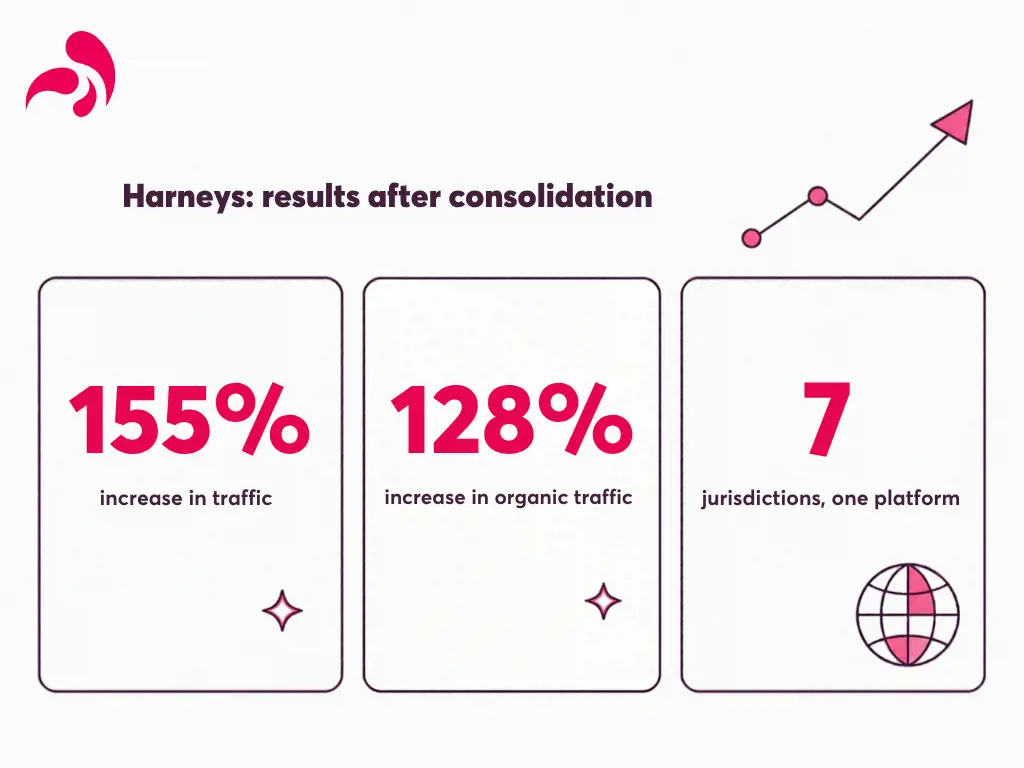
Harneys brought three sites onto one platform serving seven jurisdictions, with a 155% increase in traffic and a 128% increase in organic traffic
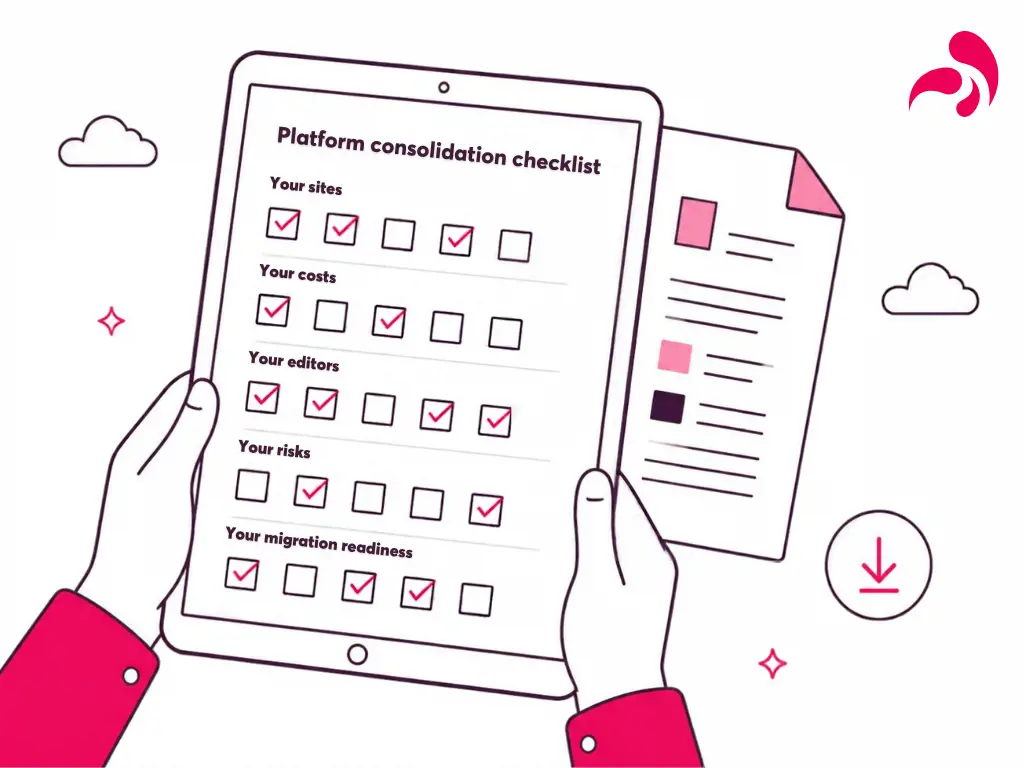
Download the platform consolidation checklist to see where your firm stands on sites, costs, editors, risks and migration readiness, and where to start
“We’ve got five sites and they all look different.” “Everything needs a developer.” “Something’s going to break and it’ll be my name on it.”
If you lead marketing, BD or digital at a law firm with offices in more than one city or jurisdiction, you have probably said at least one of these. Possibly all three in the same week. This article is for you. It takes each problem in turn: what it costs, what causes it and what moving onto one platform actually fixes. It also covers what consolidation does not fix, and how to make the move without your name being on the thing that breaks.
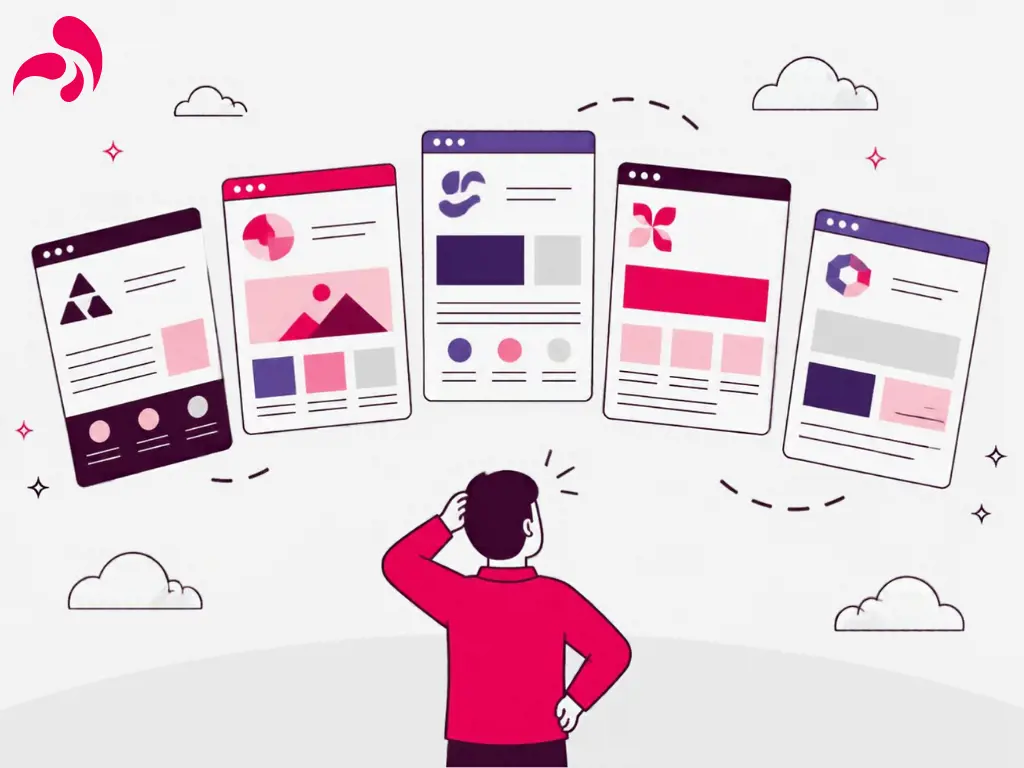
One firm, five different websites
It rarely starts as a plan. A main site for the firm. One inherited in a merger. A microsite for a practice group. A local site that an overseas office commissioned on its own budget. Each was a reasonable decision at the time. The problem is what they add up to.
The cost. Brand drift from office to office. People profiles that are right on one site and out of date on another. Separate hosting, licences, support and security updates for every platform. And the forgotten microsite that nobody owns any more, still live and still showing a partner who has since left. None of this appears as one large line in the budget. It shows up as hours spent copying the same update into several systems, and as risk, because every extra platform is one more thing to patch and secure.
The cause. Each site has its own system, its own templates and often its own agency. Nothing is shared, so nothing stays consistent.
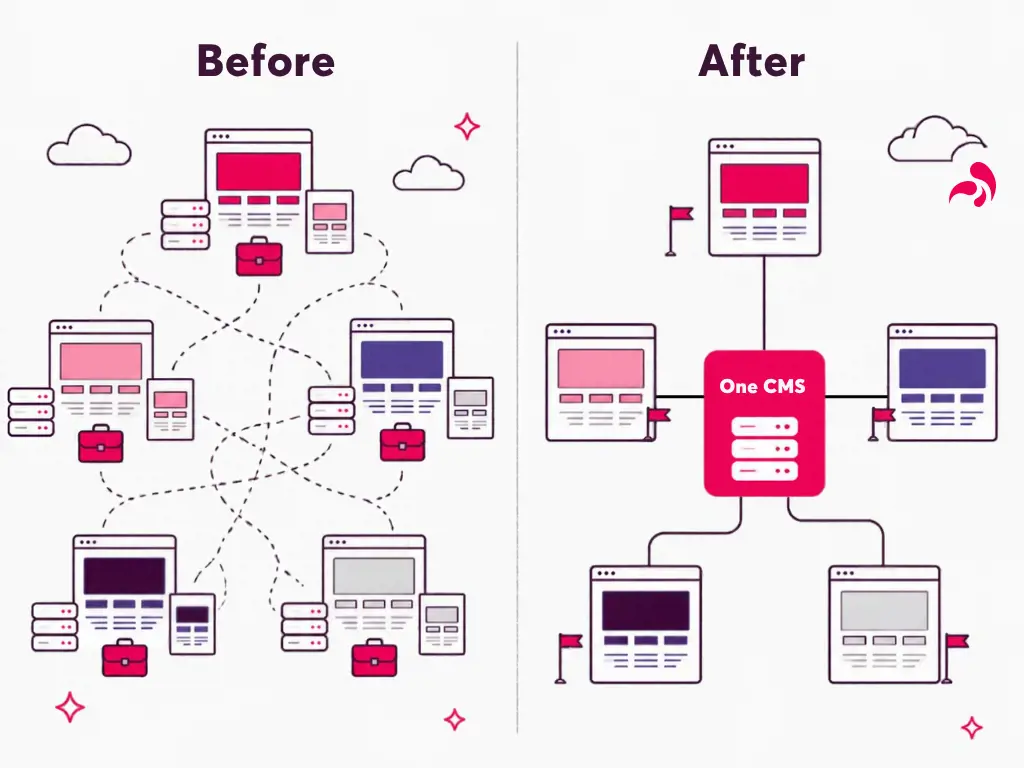
What one platform fixes. You run every site from one content management system (CMS). This does not mean one identical website for every office. In simple terms:
Each office or jurisdiction keeps its own site, domain and language
All sites use the same set of approved page components, so the brand stays consistent by design
People, insights and practice areas are stored once and shown on every site that needs them
You pay for, update and secure one platform, not five
Umbraco supports this multi-site model, so nothing has to be built from scratch.
The proof.Harneys had three separate Umbraco websites, each with its own design and structure. Every minor update took three times the effort, and a large share of resources went on bug fixes and ongoing maintenance. Novicell started with a CMS health check to find the core issues, then brought the three sites into one platform that now serves seven jurisdictions, with tagging and architecture designed to cut complexity and duplication. The result: thousands saved on maintenance and hosting, a 155% increase in traffic across all channels and a 128% increase in organic traffic.
“Everything needs a developer”
The copy is signed off. The partner is waiting. And the page still cannot go live, because the template has no space for the video, the banner is locked and the only agency that can change either has a queue.
The cost.Small jobs pile up: a new bio, a banner, an event page. Time-sensitive content goes live late. Your team spends its time chasing tickets instead of marketing the firm, and developer time goes on routine changes rather than improvements.
The cause.Usually one of three obstacles. Rigid templates: each page type has one fixed layout, so anything new, such as a video, a quote or an extra column, has to be built by a developer. Locked components: editors can change the words, but not the banners, forms and listings around them. Supplier lock-in: the platform was built in a way that only one agency understands, so every change, however small, joins that agency’s queue. With several sites, you have the same obstacles several times over.
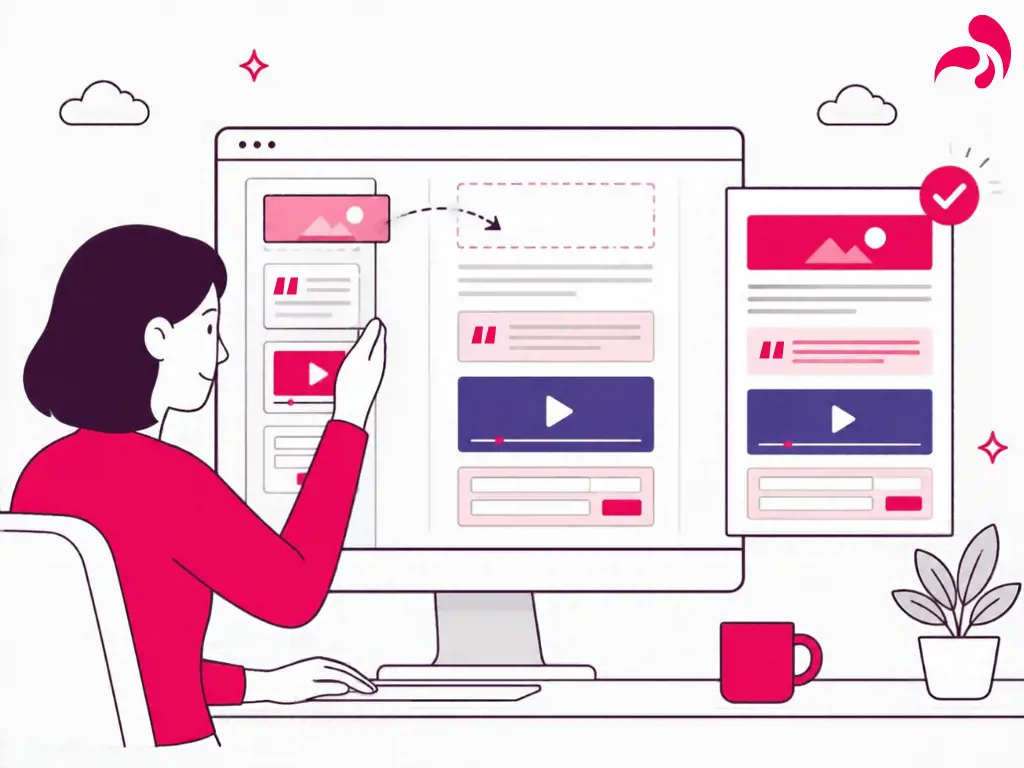
What one platform fixes.On one platform with a well-designed component library, all three obstacles go. Flexible blocks replace fixed templates. Editors control the whole page, not just the words. And a standard, well-documented build means you are not tied to one agency. So your team builds and changes pages itself, using blocks that are already built and tested. A new office page or practice group launch becomes an editorial task, not a build project. Developers still matter. Their time goes on making the platform better.
The proof. The consolidated Harneys platform was shortlisted for Best Editing Experience at the Umbraco Awards 2022.
“Something’s going to break and it’ll be my name on it”
This is often why consolidation stays on next year’s list. The current setup is frustrating, but it is familiar. A migration can feel like the moment your name gets attached to the risk.
The cost of getting it wrong.Lost rankings, broken links, downtime on launch day and editors who do not know the new system. These are real risks, but they are known risks.
The cause.Problems in a migration usually come from late planning, not from the platform. Redirects get mapped in the final week. Training happens after launch. Nobody records a baseline, so nobody can show that nothing was lost.
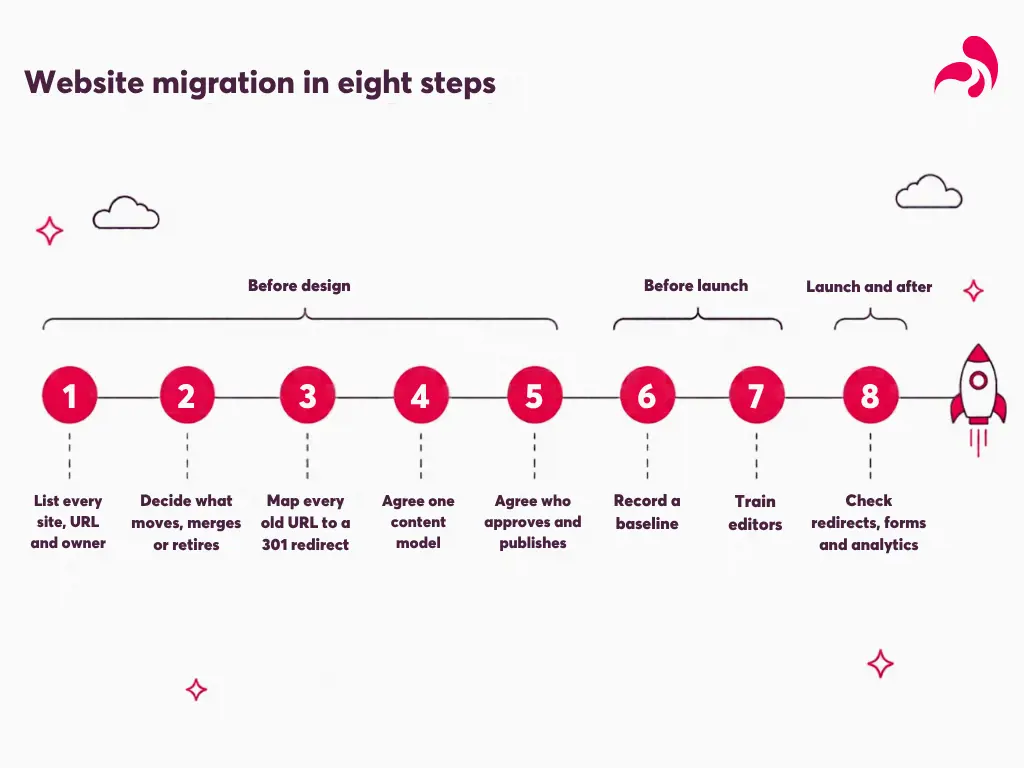
What fixes it.Each risk can be managed if the plan starts before the design does:
List every site, every URL and the owner of each site
Decide what moves, what merges and what you retire
Map each old URL to a new URL and set up a permanent (301) redirect for each one
Agree one content model for people, practice areas, offices and insights
Agree who approves and publishes content on each site
Record a baseline before launch: rankings, traffic, enquiries and time to publish
Train editors before launch day, not after
Check redirects, forms and analytics on launch day, then check them again in the weeks that follow
One thing a new platform will not fix is unclear ownership. If nobody decides who approves what, a single platform simply gives everyone the same tools to disagree with. Agree on governance before you migrate, not after.
What it looks like when the three problems are gone
A new partner joins one of your international offices on a Monday. By the end of the day, the profile is live on every relevant site, entered once and checked once. Your offices still speak to their own markets, but they look like one firm.
A practice group launch goes live the week it is signed off, built by your own team. Nobody raises a ticket.
And when the management committee asks what the website costs and whether it is secure, there is one platform and one answer. Your name is on something that works.
Where to start
If any of these three problems sound familiar, start with our platform consolidation checklist. It takes you through your current sites, costs, editors, risks and migration readiness, so you can build the case internally and plan the move with confidence.